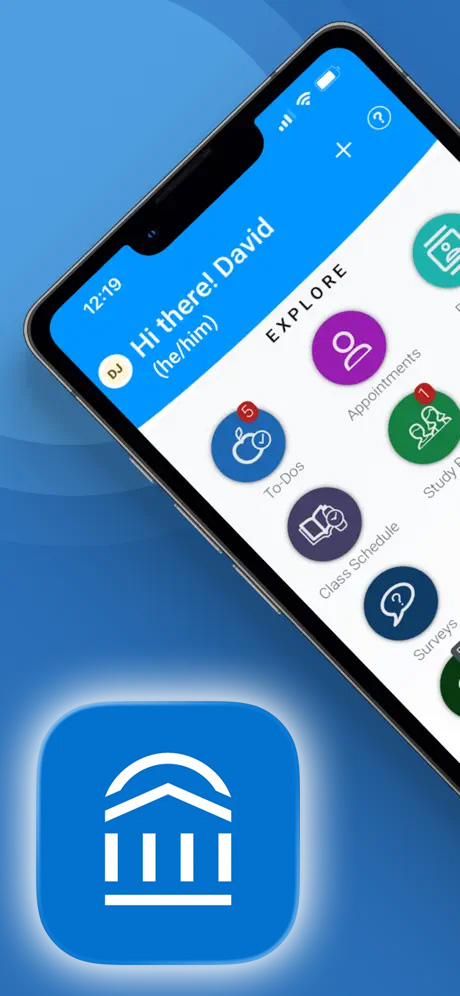
Navigate for Students
Texas A&M University–Corpus Christi uses Navigate as its student success platform to help you stay connected, organized, and on track throughout your academic journey.
Navigate allows you to schedule appointments, view important reminders, receive updates, and connect with campus support services—all in one place.
Get Started with the Navigate Student Quick Start Guide
Mobile Access (Download the Navigate360 App)
Navigate is available as a mobile app so you can stay connected on the go.
- Download the App - Search for “Navigate360 Student” in the App Store or Google Play.
- Find Texas A&M University–Corpus Christi
- Log In - Use your Islander credentials (same as your university email login)